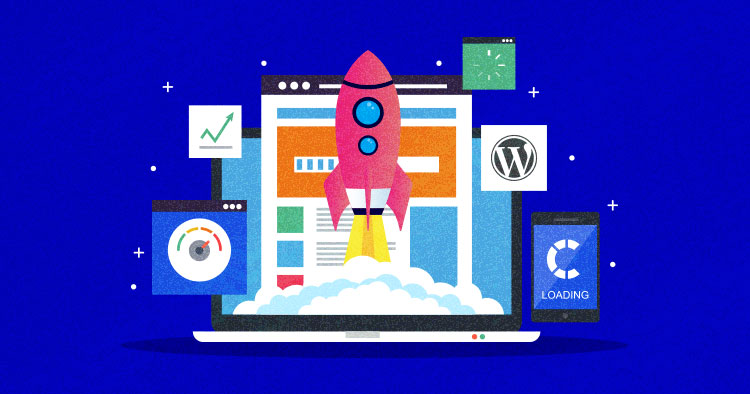
A slow website frustrates visitors and kills your search rankings. Here are the most effective ways to speed up your WordPress site — without overcomplicating things.
1. Choose Fast Hosting Your hosting provider is the foundation of your site’s speed. Shared hosting is cheap but slow. Upgrade to managed WordPress hosting like Kinsta or WP Engine for a noticeable difference.
2. Use a Lightweight Theme Heavy themes with fancy animations drag your site down. Switch to a performance-focused theme like Astra, GeneratePress, or Kadence — they’re fast, clean, and fully customizable.
3. Install a Caching Plugin Caching stores a ready-made version of your pages so the server doesn’t have to rebuild them for every visitor. WP Rocket is the best premium option, while LiteSpeed Cache is excellent and free.
4. Optimize Your Images Large images are the #1 cause of slow load times. Compress them with Smush or ShortPixel, convert to WebP format, and enable lazy loading so images only load when needed.
5. Use a CDN A Content Delivery Network like Cloudflare stores your site’s files on servers worldwide, so visitors get content from the nearest location — making your site faster for everyone.
6. Clean Up Plugins Every plugin adds extra load. Remove ones you don’t use, and replace bloated plugins with lighter alternatives. Fewer plugins = faster site.
7. Optimize Your Database Over time, WordPress collects junk — old revisions, spam, expired data. Use WP-Optimize to clean it up regularly and keep your database running smoothly.